External reset
 SD025
SD025The external reset block provides a signal that can be wired to the external reset input of PID controllers to keep the integrator at reset…

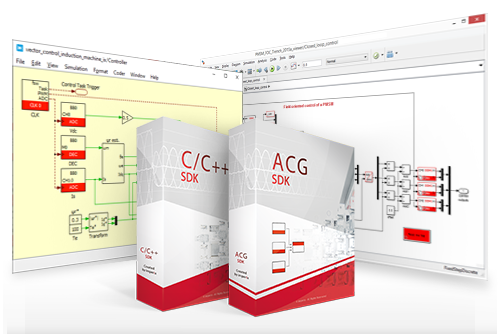
These notes provide documentation for all the blocks and functions packed with ACG SDK and CPP SDK. Each page covers the configuration parameters and the use of a specific peripheral block within the Simulink, PLECS, and C++ environments.
The external reset block provides a signal that can be wired to the external reset input of PID controllers to keep the integrator at reset…
This block issues a request to enable or disable the PWM outputs, similar to the “Enable/Disable PWM outputs” button in the Cockpit software. It issues…
The Sandbox Output towards FPGA (SBO) block writes the value of the SBO registers in the FPGA. It is used to transfer data from the…
The Sandbox Input from FPGA (SBI) block reads the value of the SBI registers in the FPGA. It is used to transfer data from user-made…
The CAN_out block implements an output mailbox that supports sending messages using the CAN bus protocol. To receive messages, the CAN in block should be…
The UDP output mailbox block allows sending up to 1024 bytes of data via Ethernet using the UDP/IP protocol (in SDK versions prior to 2025.2,…
The UDP input mailbox block allows receiving up to 1024 bytes of data via Ethernet using the UDP protocol (in SDK versions prior to 2025.2,…
The SV-PWM block generates PWM signals based on the Space Vector Modulation (SVM) algorithm. This algorithm determines the three vectors that are the closest to…
The FPGA sandbox PWM block allows driving the PWM output from a user-made modulator from within the FPGA. Information on FPGA edition is available on Editing…
The Direct output PWM block sets PWM output(s) directly to ‘0’ or ‘1’. This technique is typically used for Model Predictive Control (TN162) or Direct…
End of content
End of content
