Analog front-end configuration on B-Box 3
 PN105
PN105The B-Box 3 (RCP) has 16 identical analog input channels. The equivalent schematic of the data acquisition chain is shown below. Each channel consists of…

These notes are specifically related to imperix products. They address both control or power hardware, as well as software solutions. Their aim is to document what users should understand to properly use imperix products. Product notes, therefore, provide complementary information with respect notably to product datasheets.
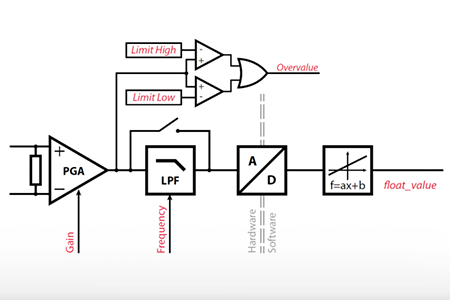
The B-Box 3 (RCP) has 16 identical analog input channels. The equivalent schematic of the data acquisition chain is shown below. Each channel consists of…
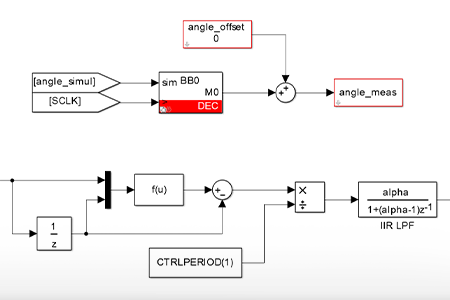
This document provides instructions on how to interface an incremental encoder with a B-Box RCP or a B-Board PRO and how to read the motor…
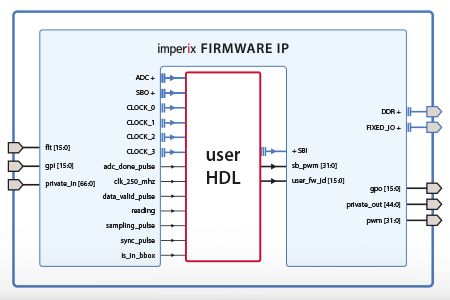
This page documents the imperix firmware IP for AMD/Xilinx Vivado, which is required to program the FPGA of imperix controllers. This IP encapsulates the imperix…
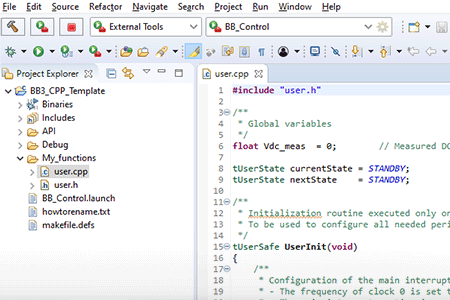
This page provides step-by-step instructions for installing the imperix CPP SDK. It also provides guidance for importing the user template into the Integrated Development Environment…
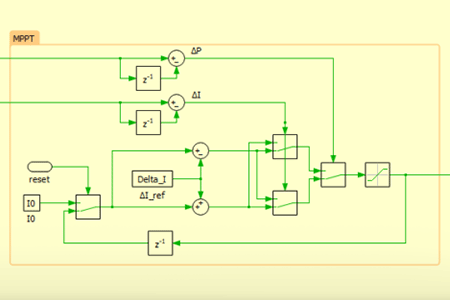
This document provides instructions for configuring CPU-based multi-rate control for imperix controllers using PLECS with the ACG SDK. It allows executing part of the control…
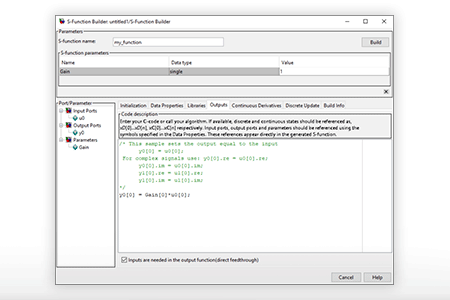
This note provides instructions for integrating C code into a control algorithm developed using the ACG SDK via S-Functions, which is probably the best way…
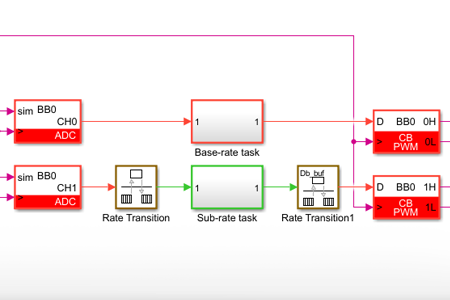
This document provides instructions for configuring CPU-based multi-rate control for imperix controllers using Simulink with the ACG SDK. It allows executing part of the control…
This document provides instructions on how to create a control model with imperix ACG blockset, starting from a blank Simulink model. This removes the need…
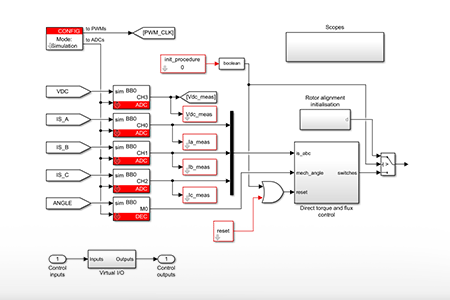
This note provides tips and tricks on how to speed up Simulink simulation. Avoid unnecessary continuous signals The control algorithm should be executed at a…
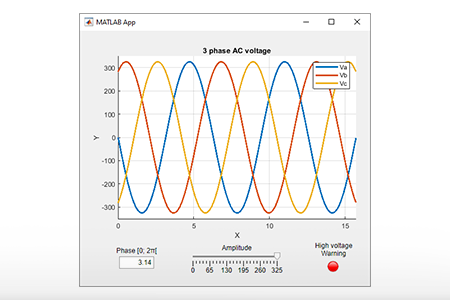
This note provides step-by-step guidance for implementing a basic Graphical User Interface (GUI) using MATLAB App Designer. A typical application of such a GUI could…
End of content
End of content


