Analog inputs configuration on B-Box Micro
 PN106
PN106This page covers the configuration of the analog inputs of the B-Box Micro. The B-Box Micro possesses 8 analog inputs with identical channels. The equivalent…

These notes are specifically related to imperix products. They address both control or power hardware, as well as software solutions. Their aim is to document what users should understand to properly use imperix products. Product notes, therefore, provide complementary information with respect notably to product datasheets.
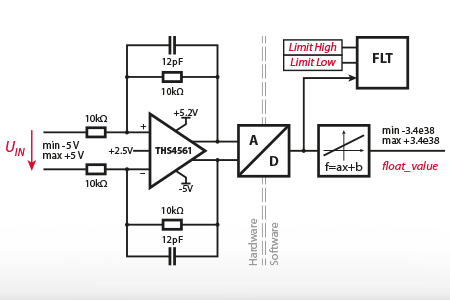
This page covers the configuration of the analog inputs of the B-Box Micro. The B-Box Micro possesses 8 analog inputs with identical channels. The equivalent…
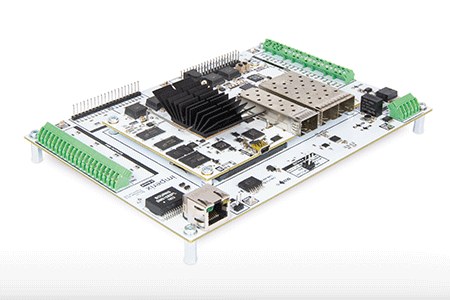
This document is primarily intended for electronic board designers wishing to integrate the B-Board PRO into their designs. It essentially serves as documentation for the Eval-Board marketed…
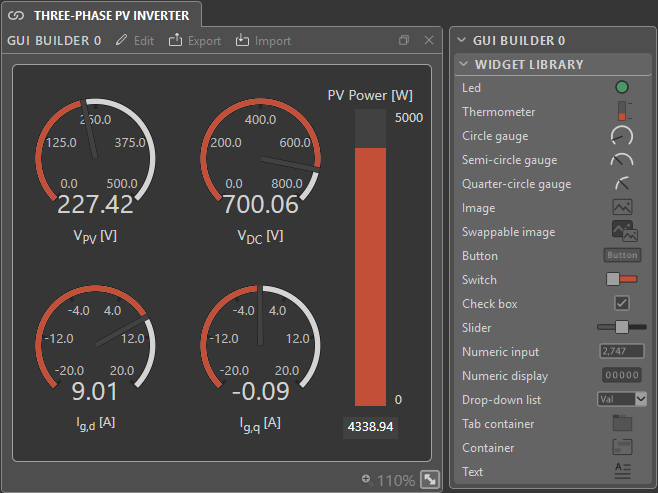
This user guide explains how to use the GUI Builder module in Cockpit to interact with imperix controllers. For new users, it is recommended to…
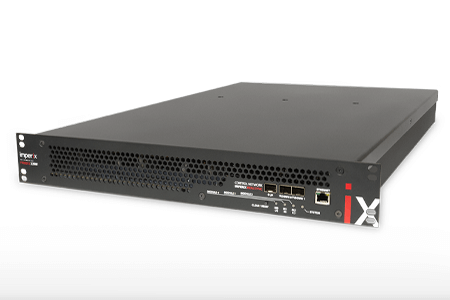
The article explains how to get started with the TPI 8032 programmable inverter. It provides an overview of the hardware architecture and detailed instructions to…
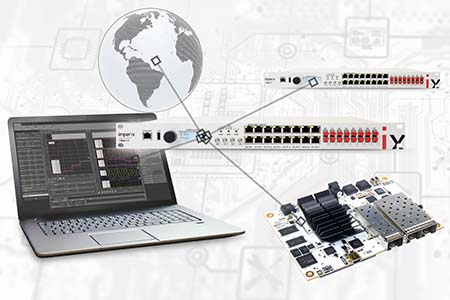
Imperix controllers support various means of communication that can be used among themselves or to exchange data with third-party devices/computers. In this context, the article…
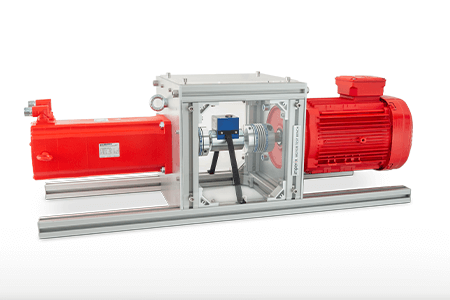
This page explains how to get started with the motor drive bundle and the motor testbench. It provides a comprehensive overview of the hardware configuration…
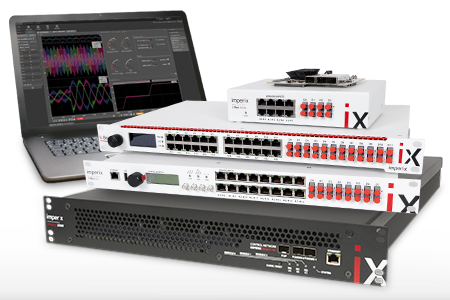
This document provides guidance for first-time users on the essential procedures for deploying code to imperix controllers and connecting to the equipment. It is applicable…
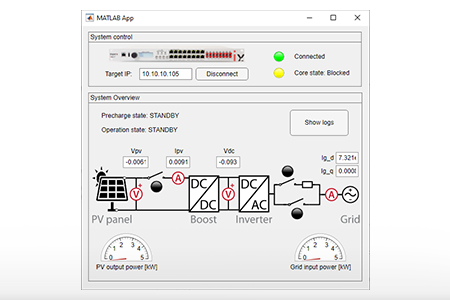
This note outlines the key considerations for developing a custom user interface specifically for the operation of Imperix power converters. Several possibilities are available to…
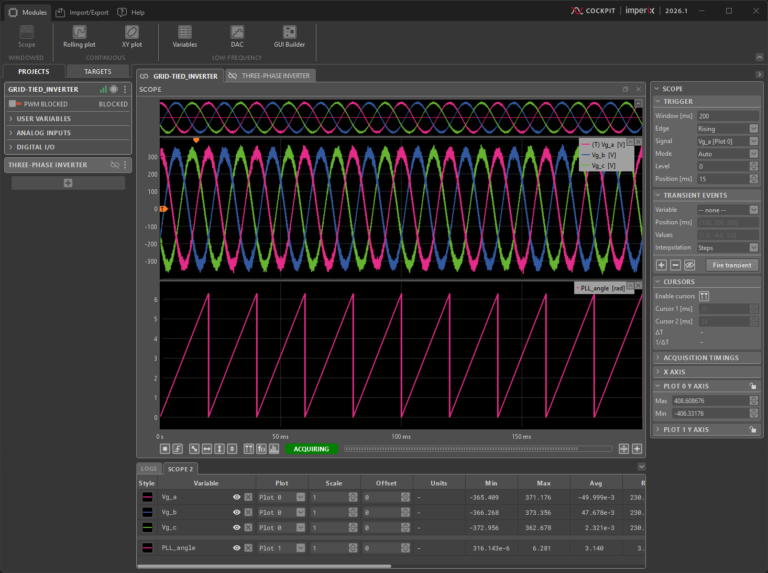
This user guide explains how to use Cockpit to interact with imperix controllers. The article provides an overview of the tools and features available in…

The Industrial Communication Toolbox Add-On for MATLAB and Simulink (formerly OPC Toolbox) allows communicating with an OPC UA server directly from MATLAB. This page explains…
End of content
End of content


